01 / COVERAGE
Understand your policy.
Policy uploads and coverage questions with STRUX One Source are planned for a future release.
Policy review is not available yet. You can continue below with damage photos and contact TVP about your rebuild.

Engineering enabled by advanced software and AI.
DISASTER RESTORATION SUPPORT
After fire, water, or storm damage, start with a clearer picture of your coverage. Then work with our U.S.-based team on the plans, engineering, and permits to rebuild.
RESTORATION & REBUILDING
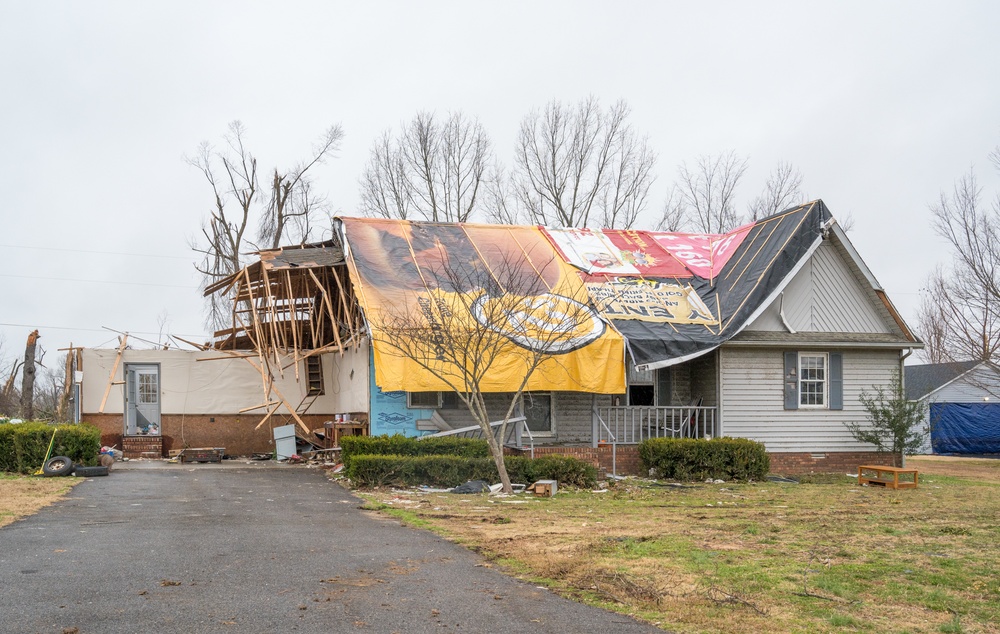
Benton, Kentucky
Photo: Liz Roll / FEMA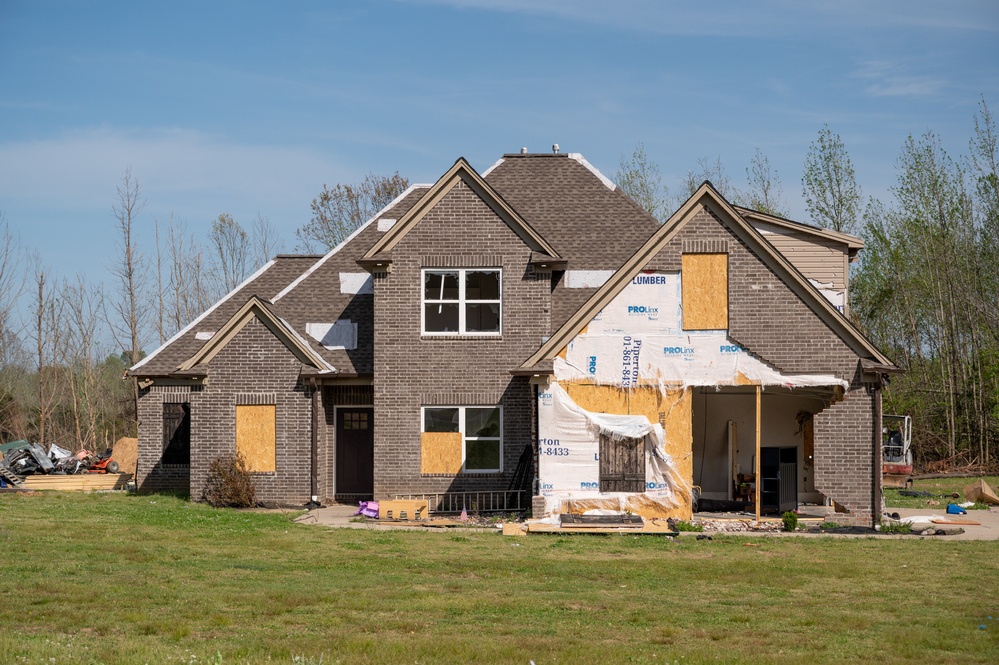
Brighton, Tennessee
Photo: Liz Roll / FEMA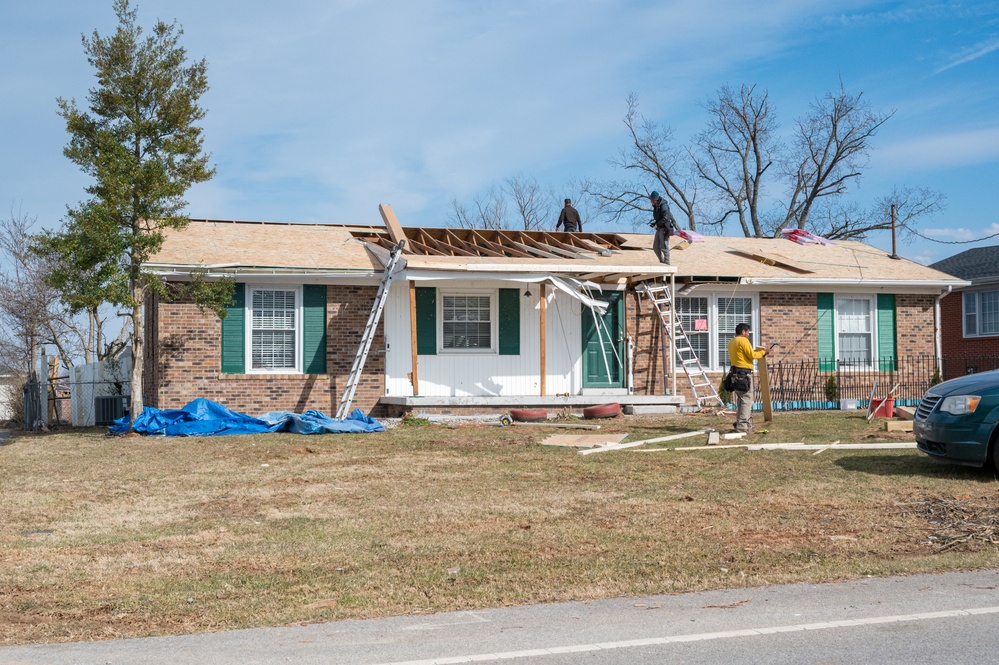
Bowling Green, Kentucky
Photo: Liz Roll / FEMARecovery examples shown for illustration; these are not TVP project photographs.
YOUR NEXT STEPS
Policy uploads and coverage questions with STRUX One Source are planned for a future release.
Policy review is not available yet. You can continue below with damage photos and contact TVP about your rebuild.
Add photos of the affected property, existing plans, or inspection reports. Include your location and what you want to repair or rebuild.
Add Photos & Project DetailsBeta preview: files and requests stay in your browser and are not sent to TVP.
Contact TVP to discuss repair plans, structural engineering, and permit support. We confirm the scope, fee, and schedule before work begins.
Call Our Restoration Team office@tvp.engineeringSTART YOUR REBUILD
Add damage photos and tell us about the property. You can continue without photos if you don't have them ready.
Try the beta with sample information. This form saves a demo request in your browser only. To reach TVP now, call or email our team.
541.791.7118Choose a suggestion or type your address. Capitalization does not matter.
You can choose your project first. Add a property address or city and state before submitting.
Step 1 of 3: Photos (optional)
Use sample damage photos, existing plans, or inspection reports for this beta. STRUX policy review is coming soon; do not add insurance policies here.
Files are prepared in this browser and sent securely to TVP Engineering when you submit your project. Up to 25 MB per file, 20 files and 100 MB total.